HUDEditorTheme 29 downloads Updated 2 days ago
UI Kit
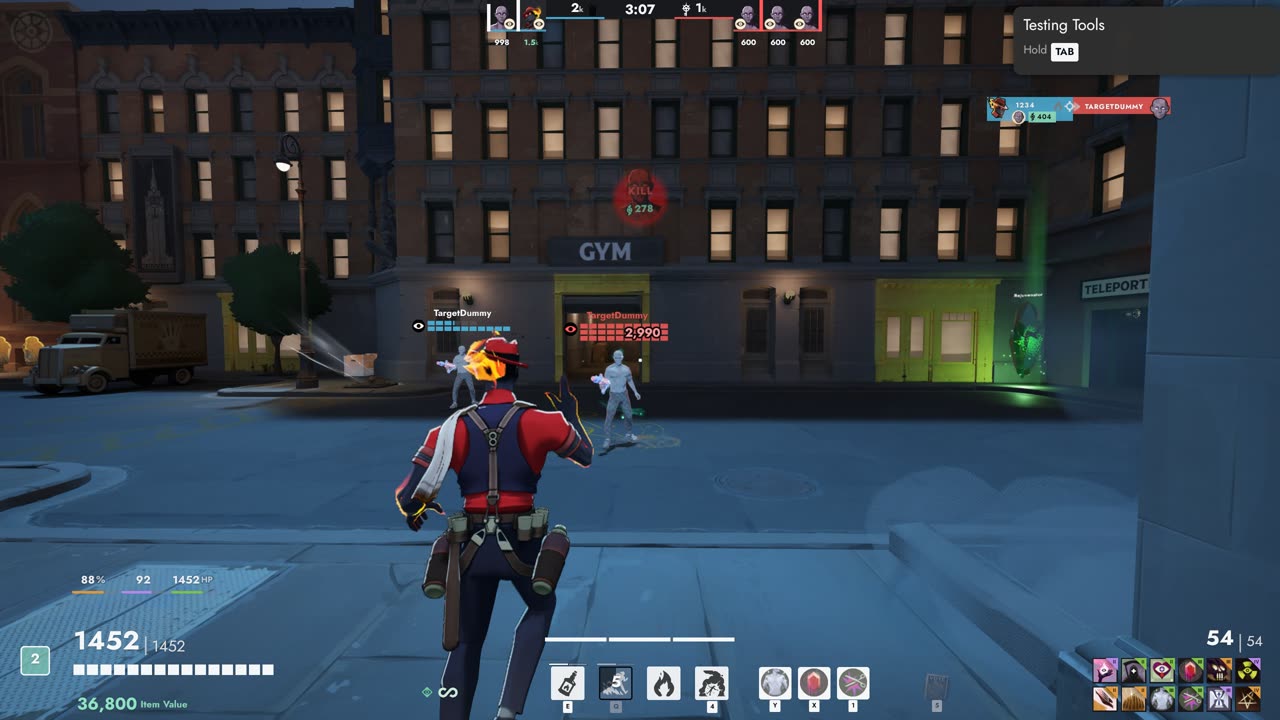
Move, resize and hide every part of the HUD in game, with themes and layouts you can share.
Install, update and keep Deadlock mods working
A small Windows app for your Deadlock mods. It installs and updates everything on this site, finds mods on GameBanana, and switches your mods back on after every game update.
Pick "Install with Frogtech Mod Loader" on any mod here. New versions install by themselves.
Search, top and newest mods, categories by hero, pictures and files. Install straight from the list.
Click a tag like HUD or a hero's name on any mod to see more mods of that kind.
Add a modder's repository and their mods show up in Browse, with updates like ours. Paid mods work with a key.
A Deadlock update switches every mod off. The loader turns them back on within seconds.
Drop in a .zip, .rar, .7z or .vpk from anywhere.
Drag mods up and down. Higher in the list wins when two change the same file.
Starts with Windows, waits in the tray and updates itself.
Every update check tells you the result, and loader updates show what's new before you install them.
Built by GitHub from the public code, so anyone can check the download is exactly that code.
Move, resize and hide every part of the HUD in game, with themes and layouts you can share.
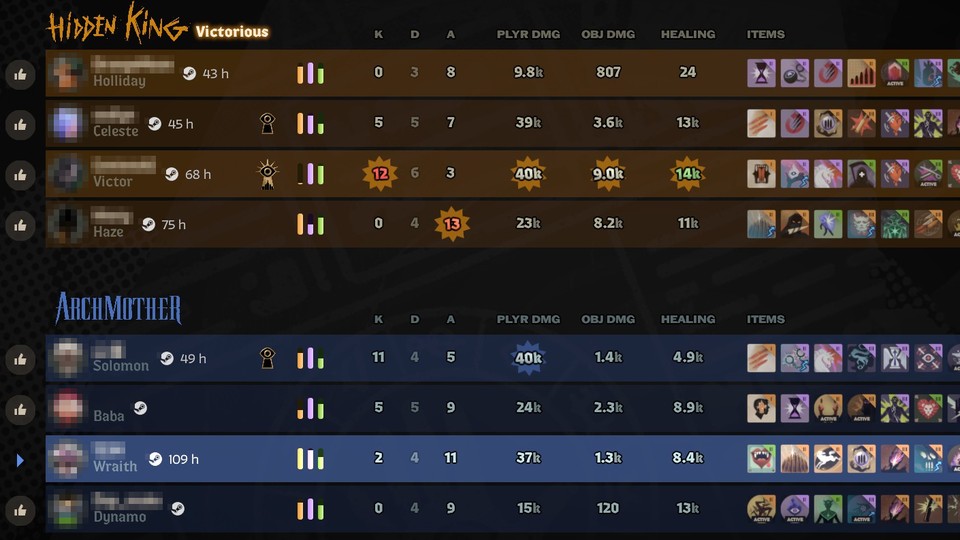
Steam profiles and Deadlock hours for the players you meet.