HUDEditorTheme 29 downloads Updated 2 days ago
UI Kit
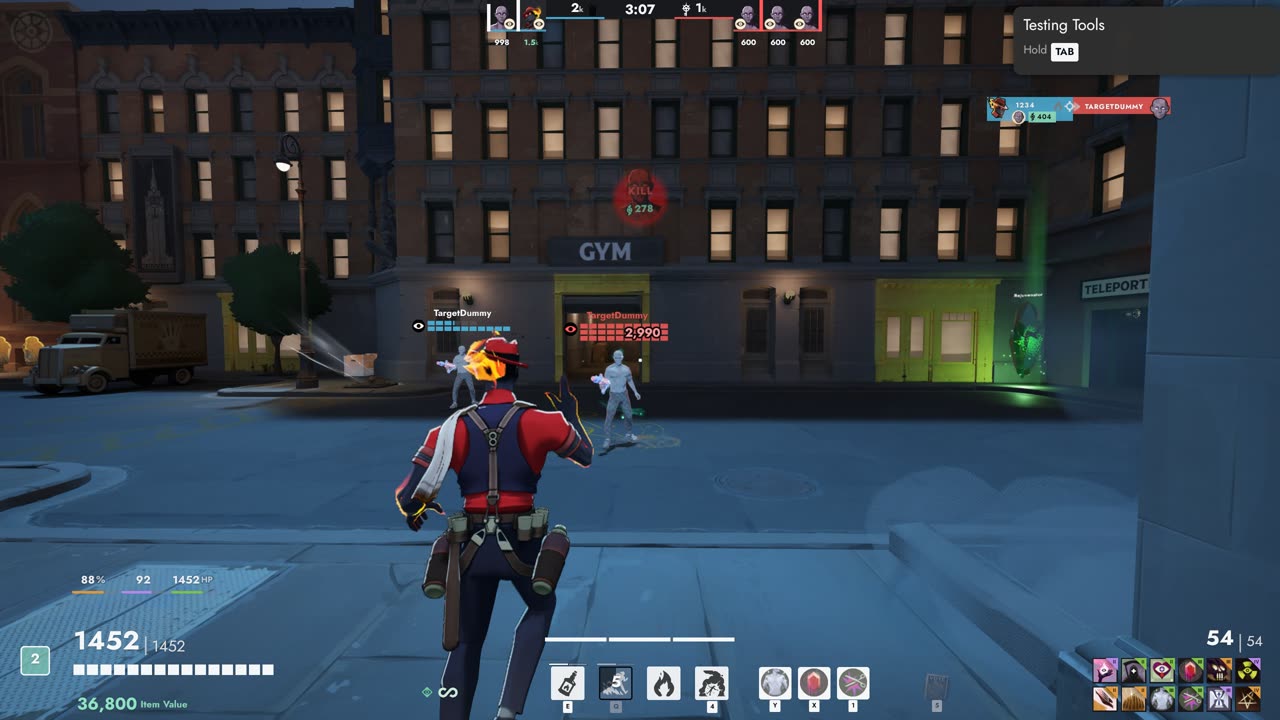
Move, resize and hide every part of the HUD in game, with themes and layouts you can share.
A 4x3 aspect ratio in the video settings
Adds a 4x3 button next to 16:9, 16:10 and 21:9, so you can pick 4:3 resolutions like 1600x1200 or 1440x1080 without replacing the settings screen.
Settings, Video, Aspect ratio: 4x3 sits beside 16:9, 16:10 and 21:9.
The resolution list shows every 4:3 mode your graphics driver offers.
The settings screen is never replaced, so settings from new game updates keep showing.
4x3 is still picked when you open the settings again.
Move, resize and hide every part of the HUD in game, with themes and layouts you can share.
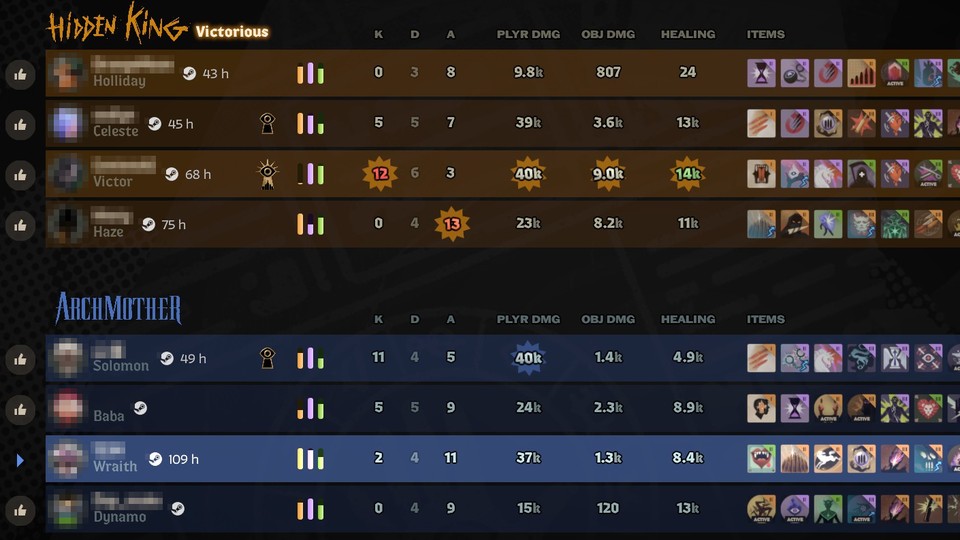
Steam profiles and Deadlock hours for the players you meet.
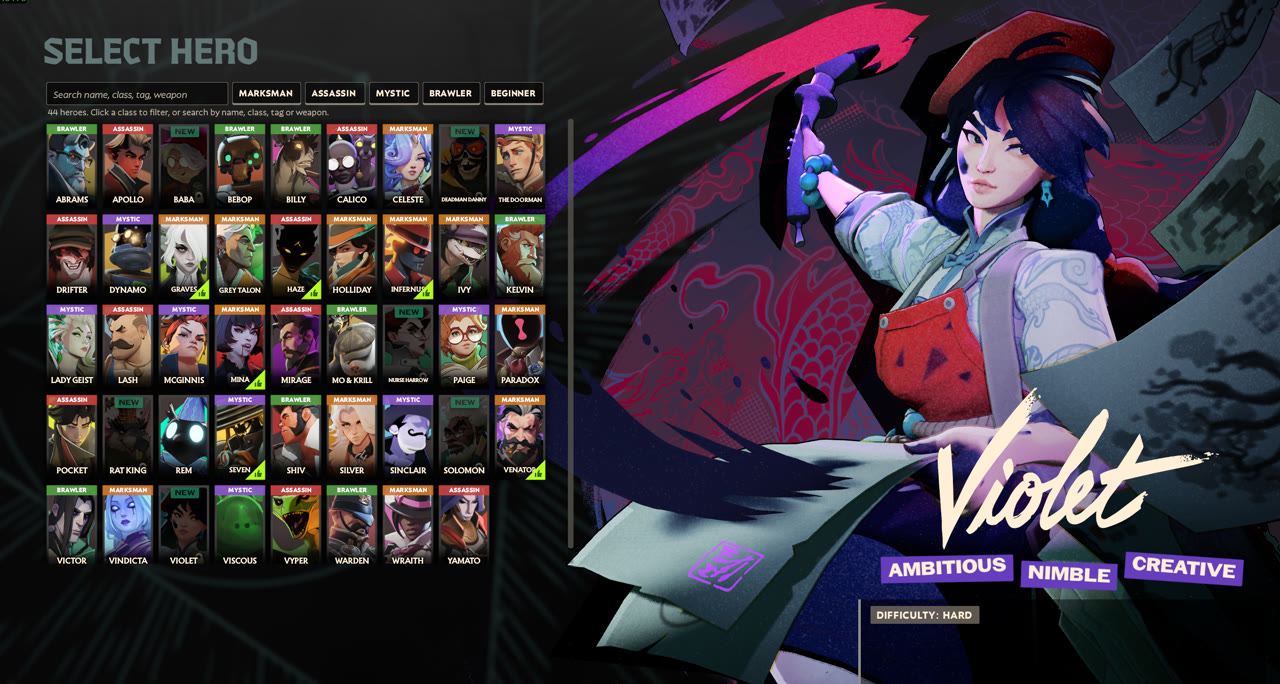
Names, classes, search and filters on the hero select screen.