HUDEditorTheme 29 downloads Updated 2 days ago
UI Kit
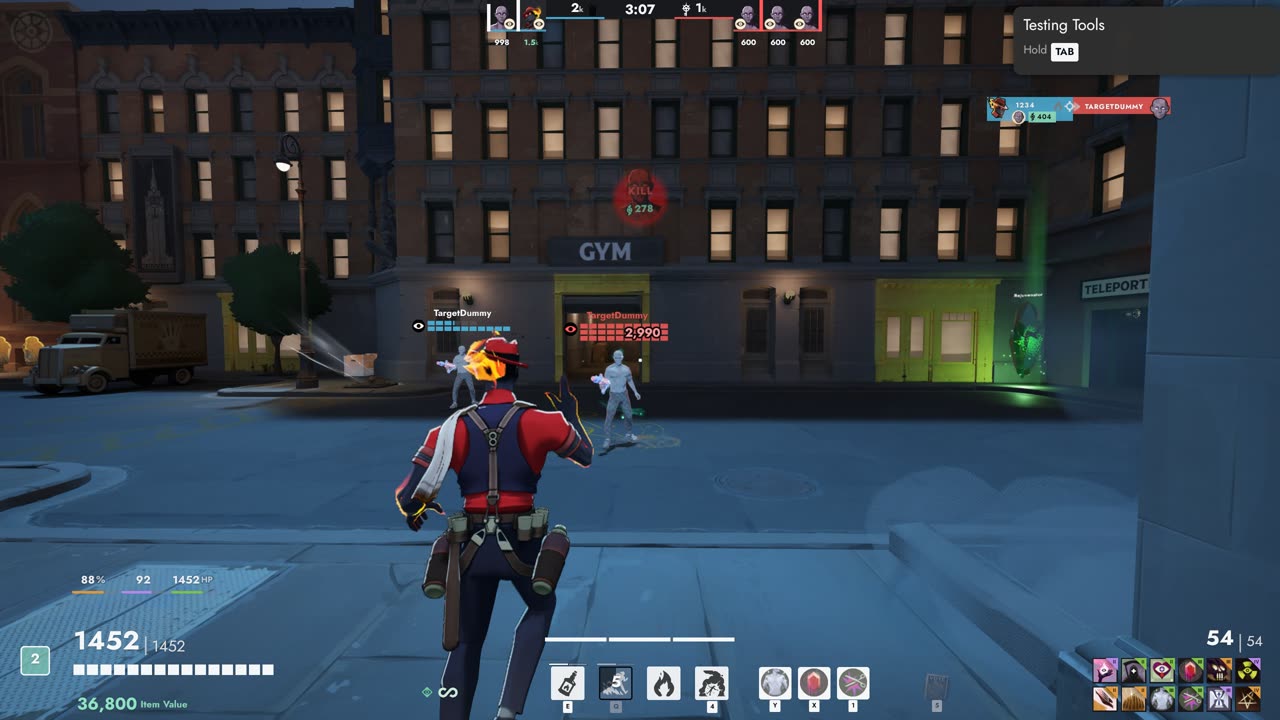
Move, resize and hide every part of the HUD in game, with themes and layouts you can share.
Open any player's Steam profile and see their Deadlock hours
Open a player's Steam Community page in a window over the game: from the right-click menu on a friend or party member, and from the players after a match. Each player's Deadlock hours show on the post-game scoreboard, on Esc, Players during a match, and in the right-click menu.
Right-click a friend or party member (main menu or Esc menu) and pick Steam profile, the last row of the menu.
After a match, or in a match you open from Match History: the Steam button on each player's card (hover the card) and next to each name on the Scoreboard tab.
Each player's Deadlock hours: on Esc, Players during a match, next to each name on the post-game Scoreboard tab, and in the Steam profile row of the right-click menu.
The profile shows in a window on top of Deadlock. Click outside it or press X to close.
One button sends the profile to your normal browser instead.
Move, resize and hide every part of the HUD in game, with themes and layouts you can share.
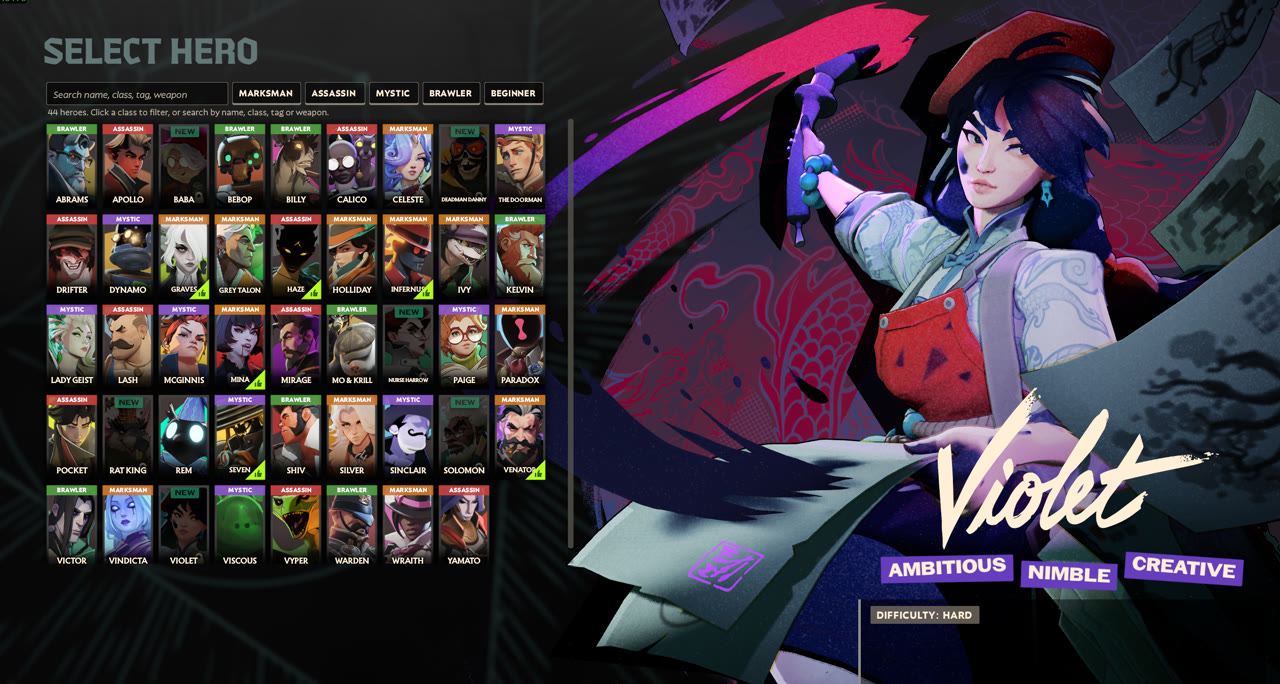
Names, classes, search and filters on the hero select screen.