HUDEditorTheme 29 downloads Updated 2 days ago
UI Kit
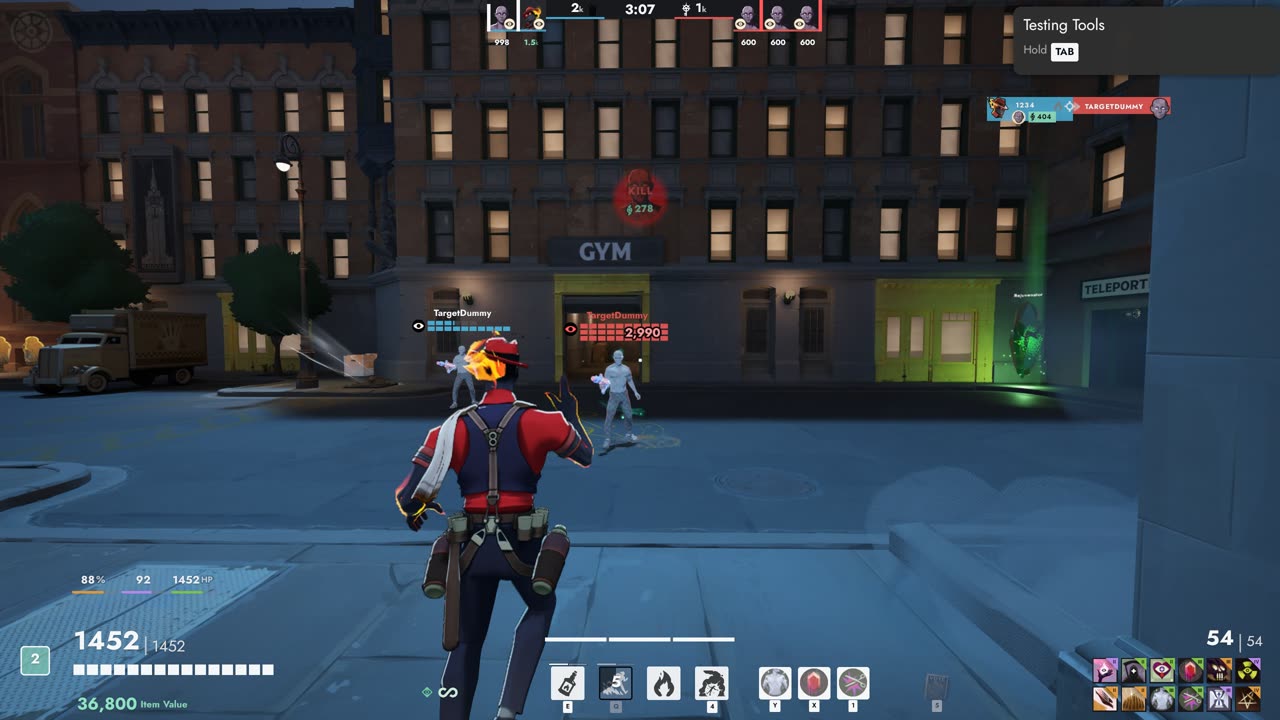
Move, resize and hide every part of the HUD in game, with themes and layouts you can share.
Mods for the HUD and menus. Install them with one click, and they stay on after every game update.
Move, resize and hide every part of the HUD in game, with themes and layouts you can share.
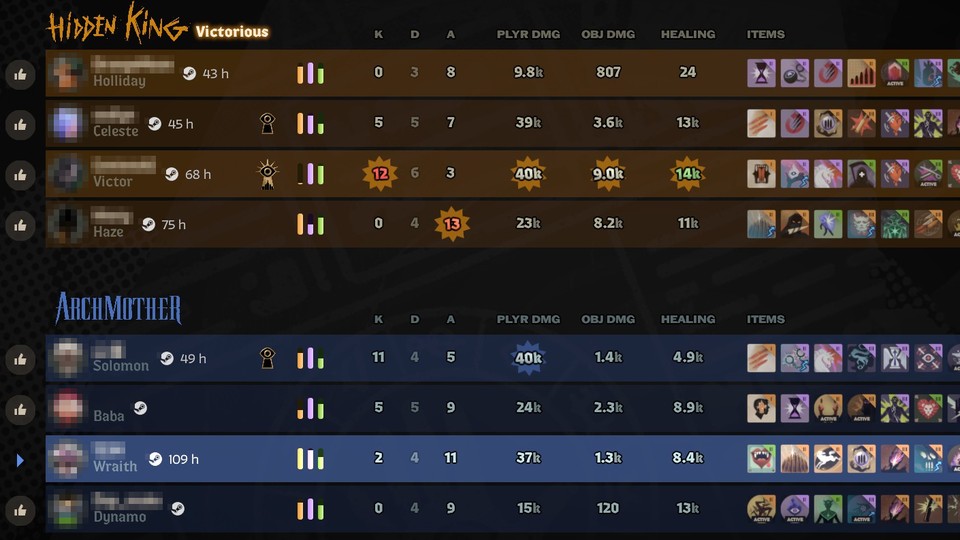
Steam profiles and Deadlock hours for the players you meet.
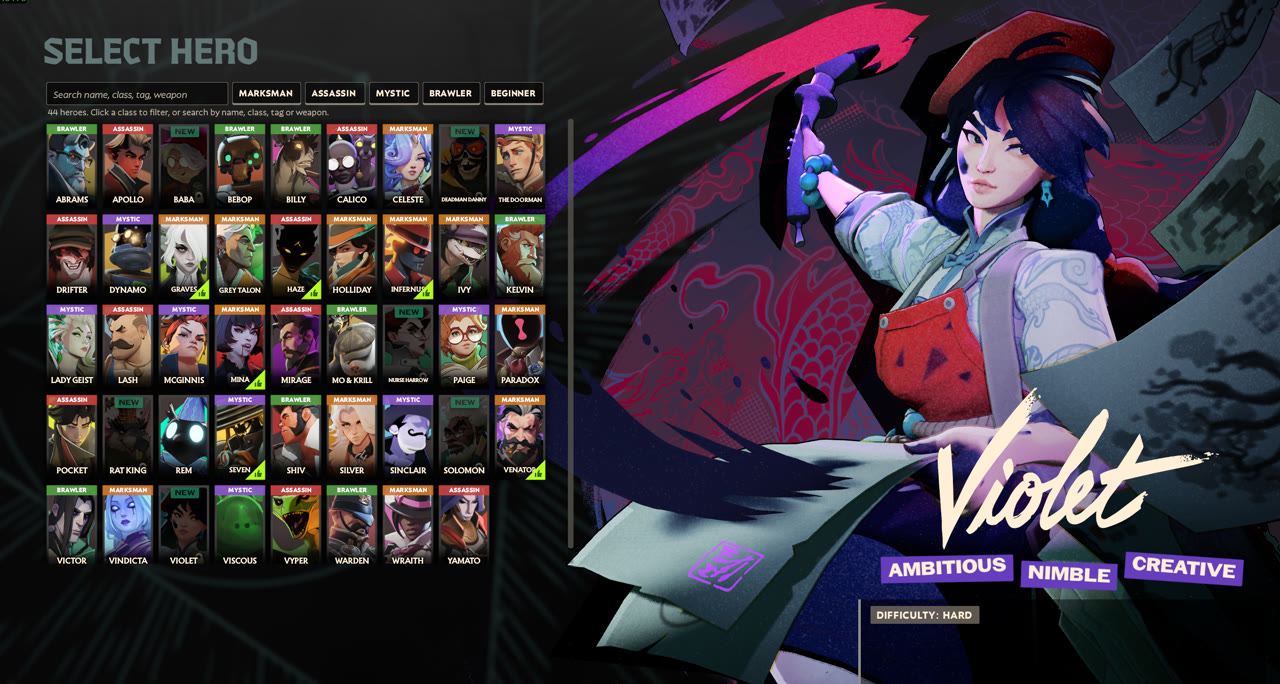
Names, classes, search and filters on the hero select screen.
Looking for HUD Fit? Replaced by UI Kit, which does everything it did and more.
Download Frogtech Mod Loader, unzip it and start it once.
Press Get on any mod here, then Install with Frogtech Mod Loader.
Start Deadlock. Updates install by themselves, and your mods stay on after game updates.
Prefer zips? Every mod also has one for Deadlock Mod Manager, Grimoire or a manual install. How to install a zip
Install UI Kit, press Esc and choose UI Kit, open the HUD tab and pick the 4:3 stretch preset. Then turn on De-stretch everything, or de-stretch only the parts you choose. (UI Kit replaced HUD Fit.)
In UI Kit, use Scale all items in the HUD tab for the whole HUD. To resize one part, select it (for example Buy menu (shop) under Layers) and change Size %, or drag its corner handle.
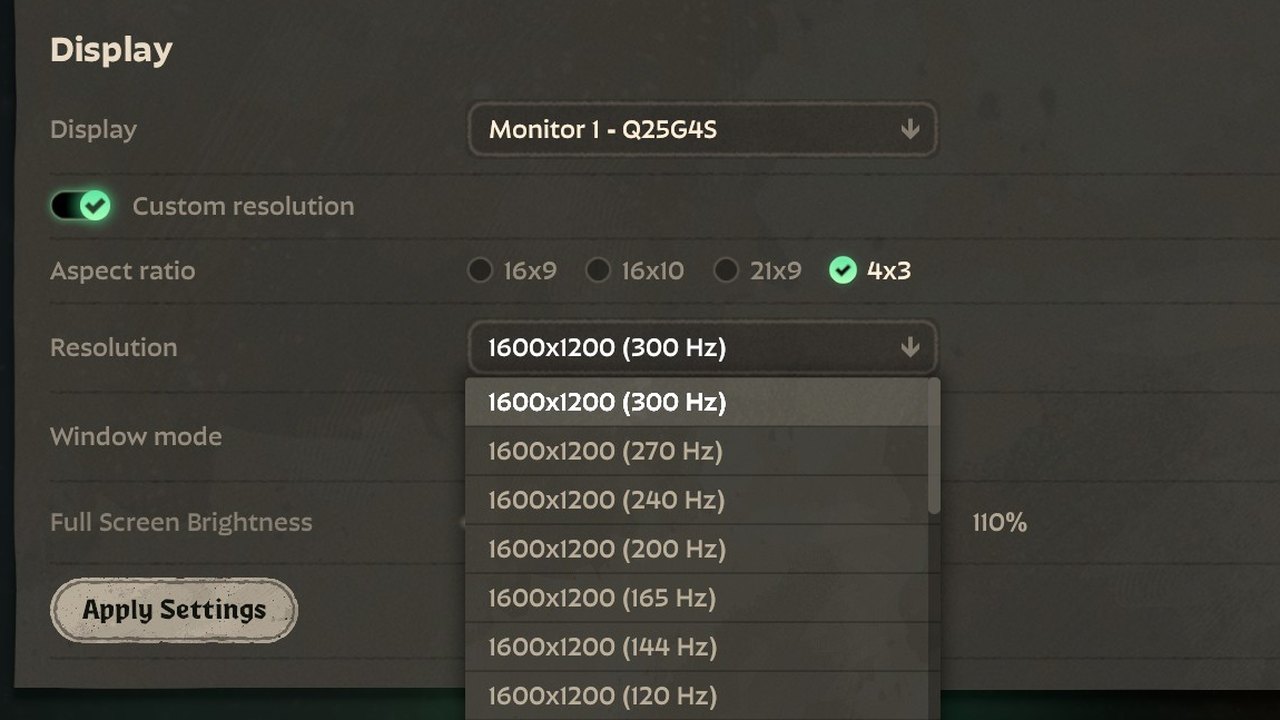
Install 4:3 Video, then pick 4x3 under Settings, Video, Aspect Ratio. If the resolution you want is not listed, add it as a custom resolution in your graphics driver (AMD Adrenalin, NVIDIA Control Panel or CRU) first.
Yes. They change different game files. UI Kit conflicts with HUD Fit and other mods that replace base_hud or hud_escape_menu, Steam Profiles & Hours with other mods that change the player right-click menu or the post-game screens, and Hero Select Plus with other hero select mods.
Frogtech Mod Loader turns mods back on by itself after an update and installs fixed versions as soon as they are posted here. With another mod manager, turn the mod off until an updated version is posted on this page.