Retro Terminal
A green-phosphor CRT terminal HUD
Retro Terminal turns the HUD into an old computer terminal: glowing phosphor text on near-black plates, thin frames, boxed ability cells and health as a bar of blocks. Pick green, amber or cyan phosphor, add scanlines if you like.
What it changes
Health in blocks
"HP 1440 / 1440" over a bar of blocks, one per 50 health; amber at mid health, blinking red when low, with damage and heals shown inside.
Terminal crosshair
A "+" that shows brackets on a hit and turns red behind walls; or keep the game's crosshair.
Boxed abilities and items
Abilities as framed cells, inverse video while active, amber when a point is waiting; items and key tags to match.
Terminal readouts
Weapon, spirit and vitality as "WPN 106 SPR 65 VIT 966", souls and item value as a framed ledger, in a monospace terminal font.
Monochrome top bar
Hero portraits tinted phosphor between square brackets, red-amber for the enemy, instead of orange and blue plates.
Three phosphors
Green, amber or cyan, glow off, soft or strong, optional scanlines and CRT flicker, a blinking cursor, and a choice of fonts.
Options
Change them in game: Esc, UI Kit, then the Theme tab.
Look
- Phosphor colourGreen, Amber, Cyan
- Glow around the type and framesOff, Soft, Strong
- Scanlines over the screen (faint)
- CRT flicker on the readouts (faint)
Text
- FontTerminal (Lucida), Typewriter (Courier), VT323 (if installed), The game's
- Blinking cursor after the health and ammo
Top bar
- Hero portraitsPhosphor, Greyscale, The game's colours
Items and stats
- Weapon, spirit and vitality in their own colours
- Item pictures in phosphor too
Options
- CrosshairTerminal +, The game's
Health
- Health per block of the bar50, 100
Parts you can move
Move, size or hide each one in the UI Kit panel, like the game's own parts.
Good to know
- Use one full theme at a time: Retro Terminal and Arena both replace health, ammo and the crosshair.
- Switch on Health squares too for the bars over heads.
More for UI Kit
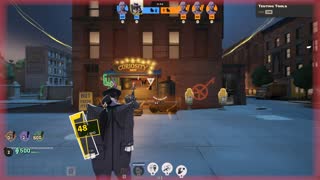
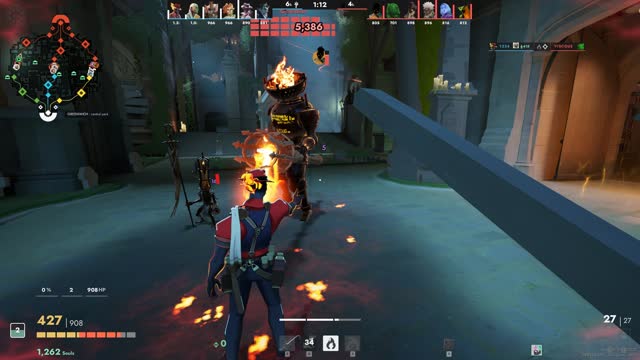 ThemeHUD Arena A clean hero-shooter HUD for Deadlock
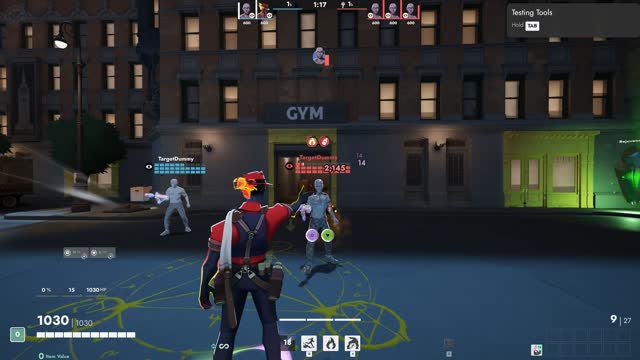 Add-onHUD Health squares Health bars as squares over every head
 Add-onAccessibility Colour Assist Colour-blind friendly team and health colours
 Add-onAccessibility Big Text Larger, easier to read numbers and text
 Add-onHUD Alerts Clear warnings when it matters