Colour Assist
Colour-blind friendly team and health colours
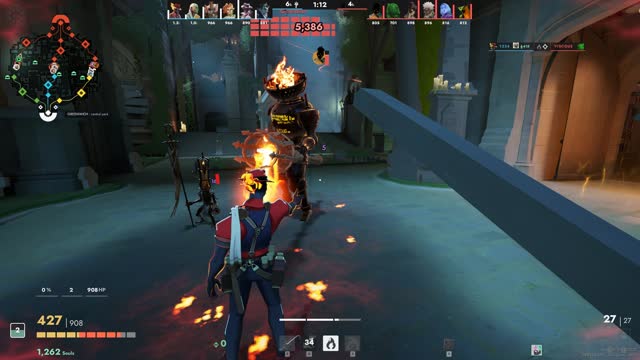
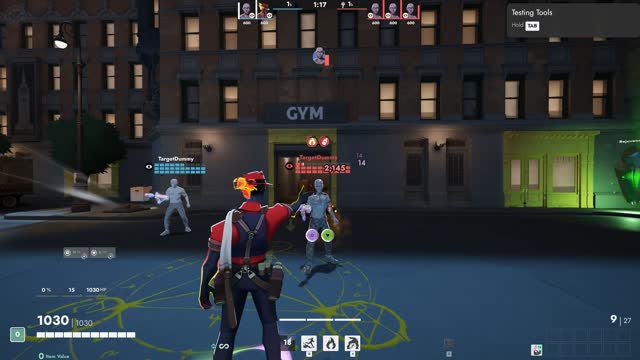
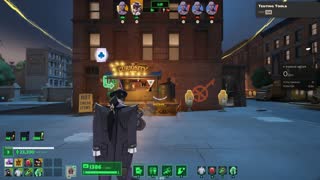
Colour Assist repaints the parts of the HUD that tell friend from foe and good from bad in colours that colour-blind players can tell apart, and adds cues that don't rely on colour at all. It sits on top of the game's HUD or any UI Kit theme.
What it changes
Three palettes
Deutan/protan (blue allies, orange enemies, yellow for low health), tritan (teal and red), or high contrast (cyan and magenta on black).
Everywhere it matters
Top bar and scoreboard, kill feed, chat, minimap markers, names over heroes, the target marker and your own health.
Not only colour
Enemy names in italics, a stronger frame on your health when it is low, and an optional pulsing low-health edge.
High-contrast plates
Near-black plates with a light outline behind HUD text, for reading over bright scenes.
Options
Change them in game: Esc, UI Kit, then the Theme tab.
Options
- PaletteDeutan / protan, Tritanopia, High contrast
- High-contrast plates behind HUD text
- Bigger low-health warning
- Enemy names in italics (kill feed, markers)
Good to know
- Works with the game's own HUD and with every theme.
- Deadlock's own Custom UI colors settings change enemy health bars and a few enemy indicators. Colour Assist covers allies, health warnings and the rest of the HUD.