Alerts
Clear warnings when it matters
Add-onHUD
Alerts adds small, clear cues at the moments you most need them: a pulsing red edge around the screen at low health, a RELOAD cue under the crosshair when your clip is empty, and an optional clip bar that turns amber when you are almost out.
What it changes
Low-health edge
A thin red edge that pulses at low health, optionally a faint amber one at mid health.
Reload cue
RELOAD under the crosshair when the clip is empty and you are not reloading; RELOADING while you are.
Low-ammo bar
A thin clip bar under the crosshair that turns amber under a quarter of the clip (off by default).
Yours to place
Each cue can be moved, sized or hidden with UI Kit's editor.
Options
Change them in game: Esc, UI Kit, then the Theme tab.
Health
- Red pulsing screen edge at low health
- Faint amber screen edge at mid health
Ammo
- RELOAD / RELOADING under the crosshair
- Clip bar under the crosshair, amber below a quarter of the clip
Parts you can move
Move, size or hide each one in the UI Kit panel, like the game's own parts.
Low-health edgeReload cueClip bar
Good to know
- Works with the game's own HUD and with every theme.
More for UI Kit
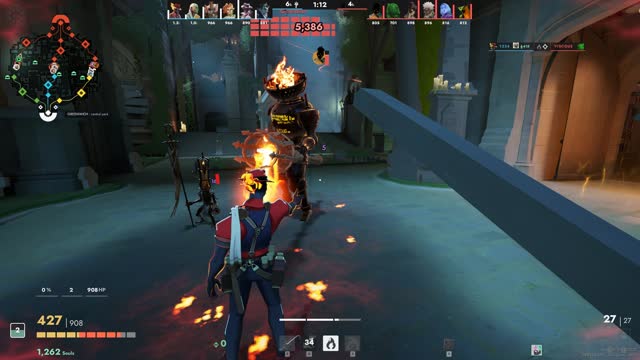 ThemeHUD Arena A clean hero-shooter HUD for Deadlock
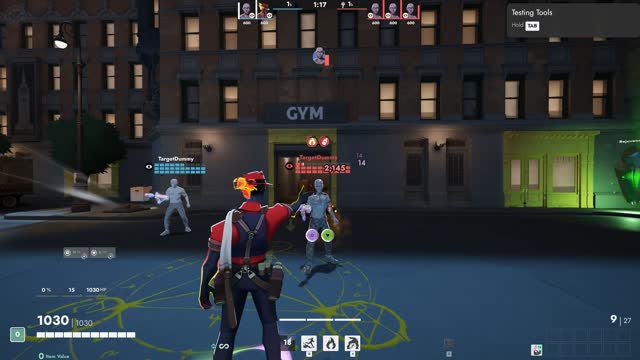 Add-onHUD Health squares Health bars as squares over every head
 Add-onAccessibility Colour Assist Colour-blind friendly team and health colours
 Add-onAccessibility Big Text Larger, easier to read numbers and text
 ThemeHUD Retro Terminal A green-phosphor CRT terminal HUD